Appearance
Joining & Leaving Groups
Overview
Group membership is managed from the Groups page in the Mgt Console. This page explains how to join and leave groups.
Joining a Group
Most users must be added to groups by a Group Manager or Organisation Administrator. However, Group Owners, Group Managers, and Organisation Administrators can join groups they own or manage directly.
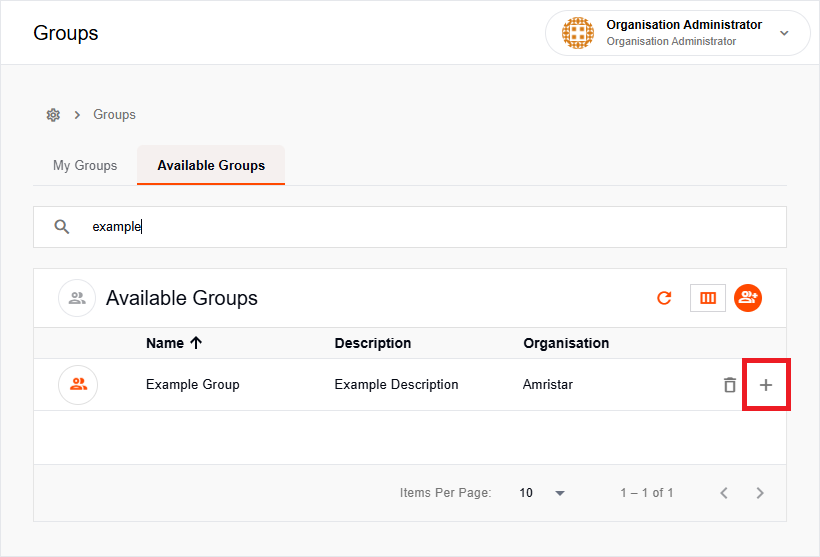
To join a group, find it under Available Groups and click the Join button beside its entry.
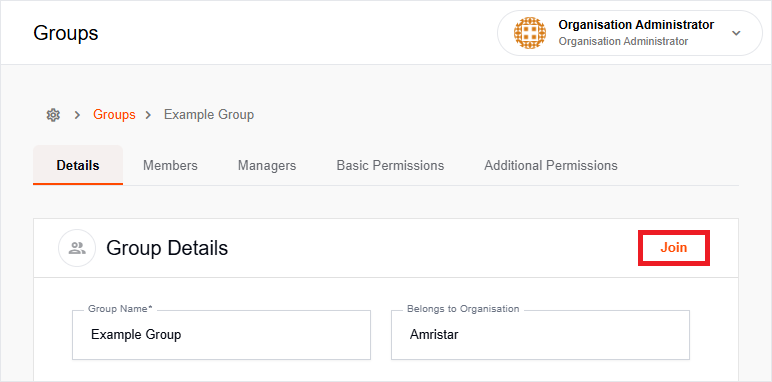
Alternatively, open a group and click Join in the top right corner of the Details Tab.
Leaving a Group
Any user can leave a group they are a member of.
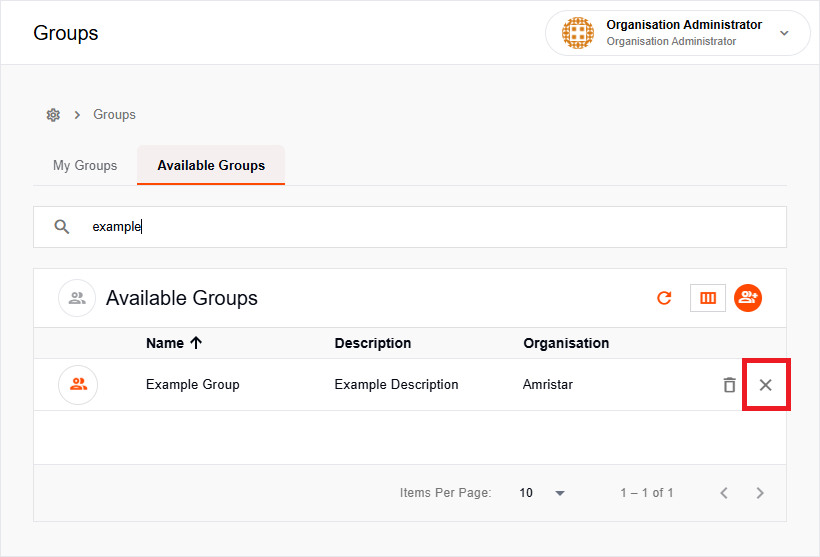
To leave a group, find it under My Groups and click the Leave Group button beside its entry.
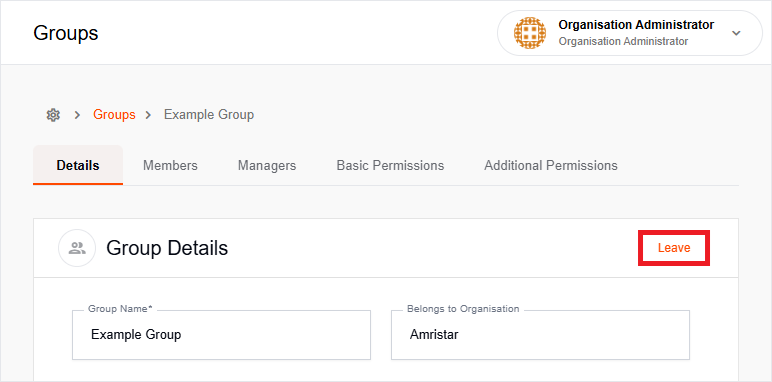
Alternatively, open a group and click Leave in the top right corner of the Details Tab.