Appearance
Go To Extent
Overview
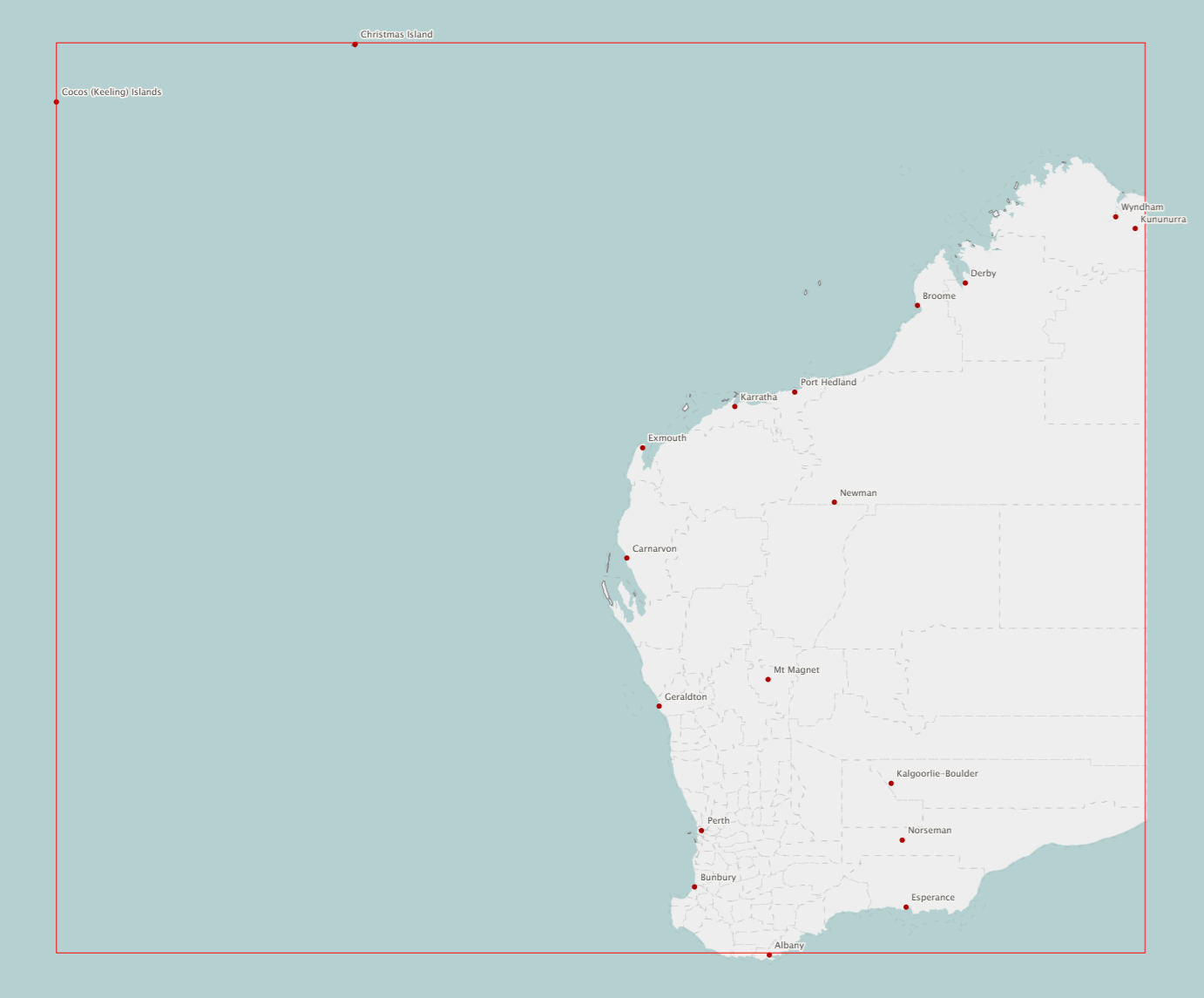
Go To Extent is available from a layer's right-click menu. It zooms the map out to the full extent of that layer's features and draws a bounding box around those features. See Layer Selector Options.
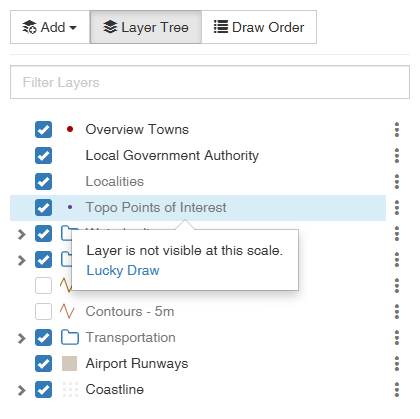
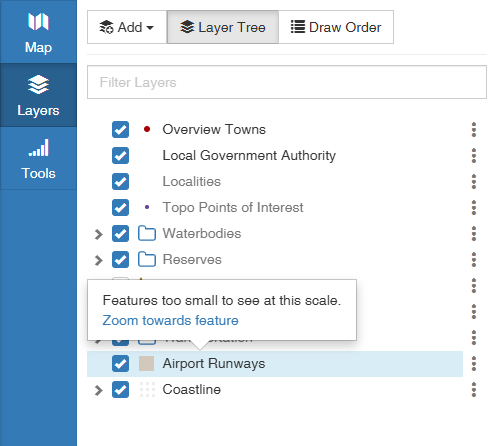
If no features are visible after zooming to the layer’s full extent, one of two popups may appear to help you navigate to the features you're interested in.
- Zoom towards feature — zooms in on features hidden by the size threshold.
- Lucky Draw — selects and zooms to a feature.
Zoom towards feature
If there are features which are within the visible view scale but are omitted due to the Minimum Render Size, a Zoom towards feature popup appears. Clicking it zooms the map in towards those features until they become visible.
Lucky Draw
If the map had to zoom out past the layer's view scale in order to show the full extent, a Lucky Draw popup appears. Clicking it selects a feature in the layer and zooms to it.