
Appearance
External APIs
The External APIs page is where you register custom APIs and scopes for your organisation. These scopes can then be assigned to application clients, allowing your software to request the permissions needed to interact with protected services.
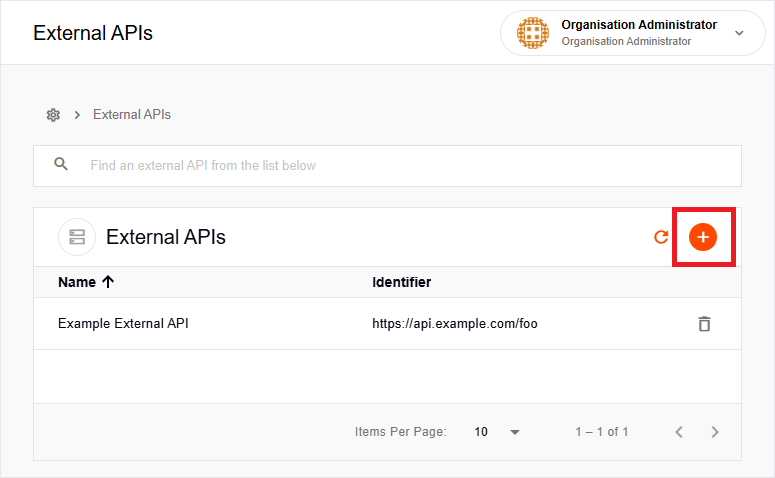
To register an external API:
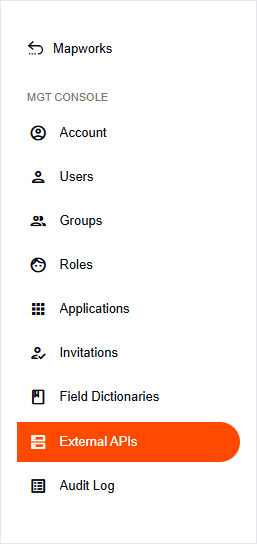
- In Mapworks UI, click Mgt Console in the bottom left.

- Click External APIs.
- Click the orange Add External API button on the right.
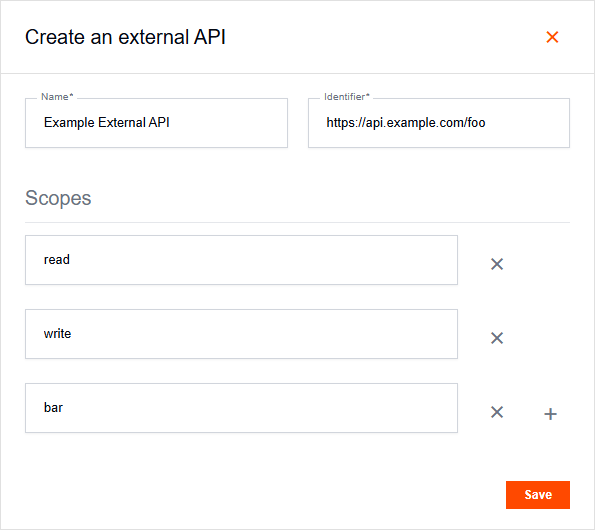
- Configure the following details:
| Field | Description | Technical Role |
|---|---|---|
| Name | Descriptive label for the API. | Administrative only. |
| Identifier | A unique ID (usually a URI) for the API. | Populates the aud claim in the JWT. |
| Scopes | Specific permissions (e.g., read, write). | Populates the scope claim for RBAC. |
Once the External API has been created, its scopes become available in the Allowed Scopes Tab when configuring an application. For more information, see Applications.